Cortex: the AI in Innovation Cloud
Less paperwork. Better innovation decisions.
Cortex is governed AI for innovation teams. It drafts, checks and summarises inside rules you set, on your own data, and a person approves every output.
What Cortex does
Cortex drafts, checks and summarises. Your team reviews the work and makes every decision.
How Cortex is governed
Your rules
You decide what Cortex can read and which tasks it may do.
Labelled and logged
Every draft is marked as AI-made and recorded.
No public AI services
Nothing is sent to public AI services.
Your intelligence stays yours
Your business intelligence is never used to train models for anyone else.
Brief to Project
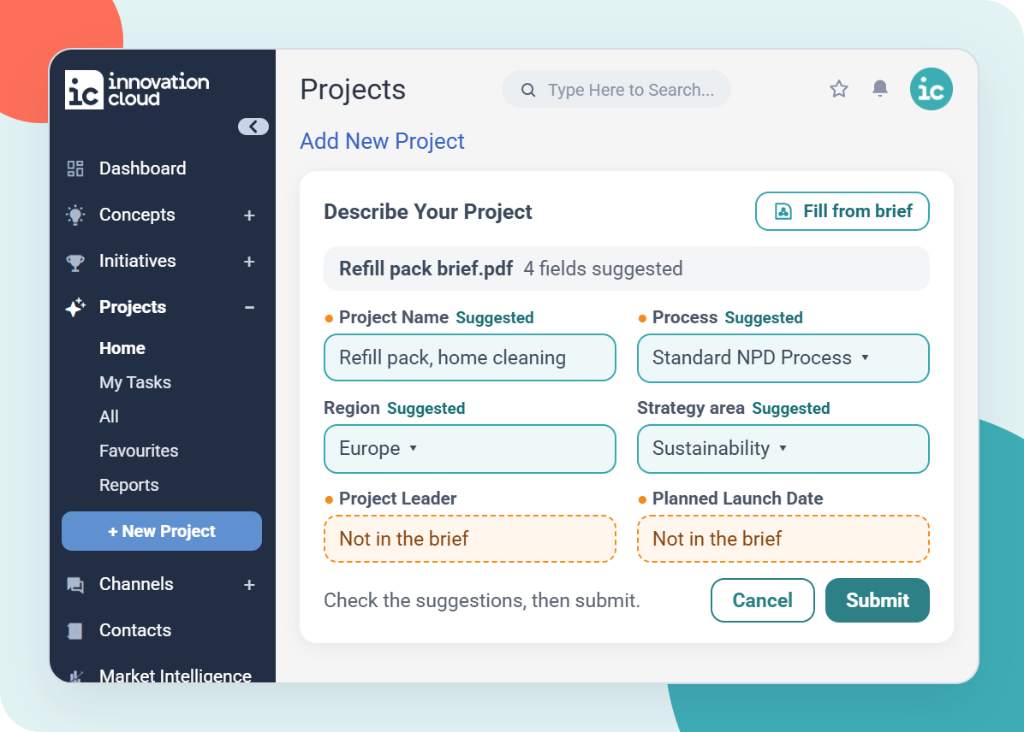
Start a project from a short description
Describe your idea in plain words or upload a brief. Cortex fills in the project form and shows you what’s still missing, so every project starts complete.
Gate Paper Draft
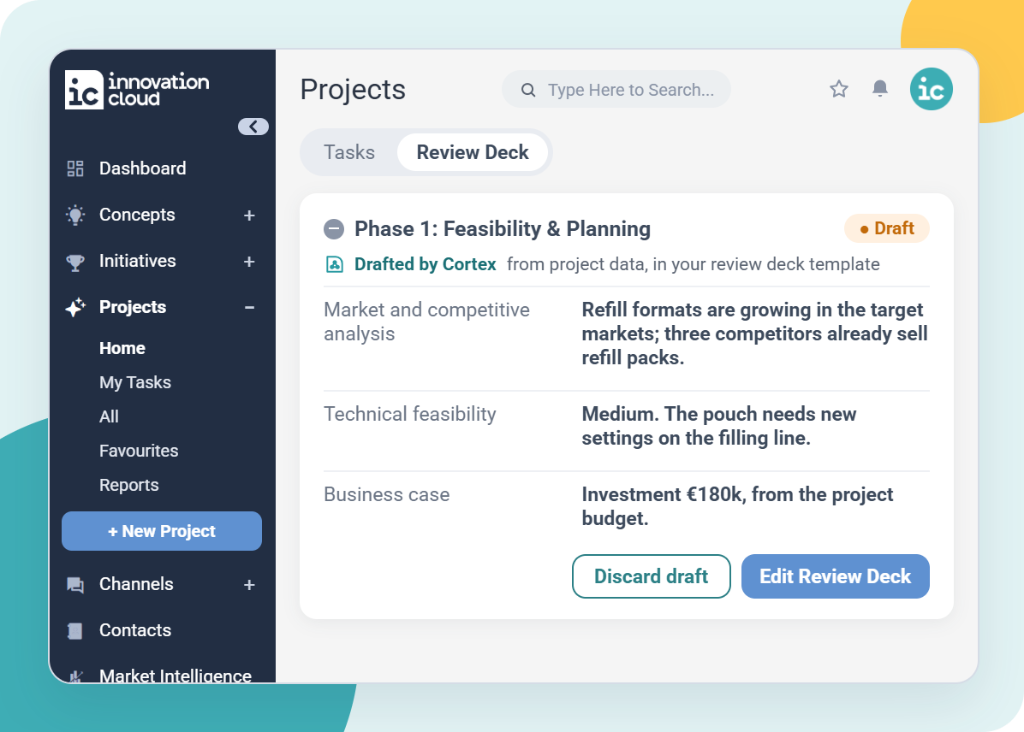
Gate papers drafted from your project data
Cortex drafts the gate paper in your company’s own template, using the data already in the project. Your team reviews and edits it, and can spend gate preparation on the decision itself.
Case Check
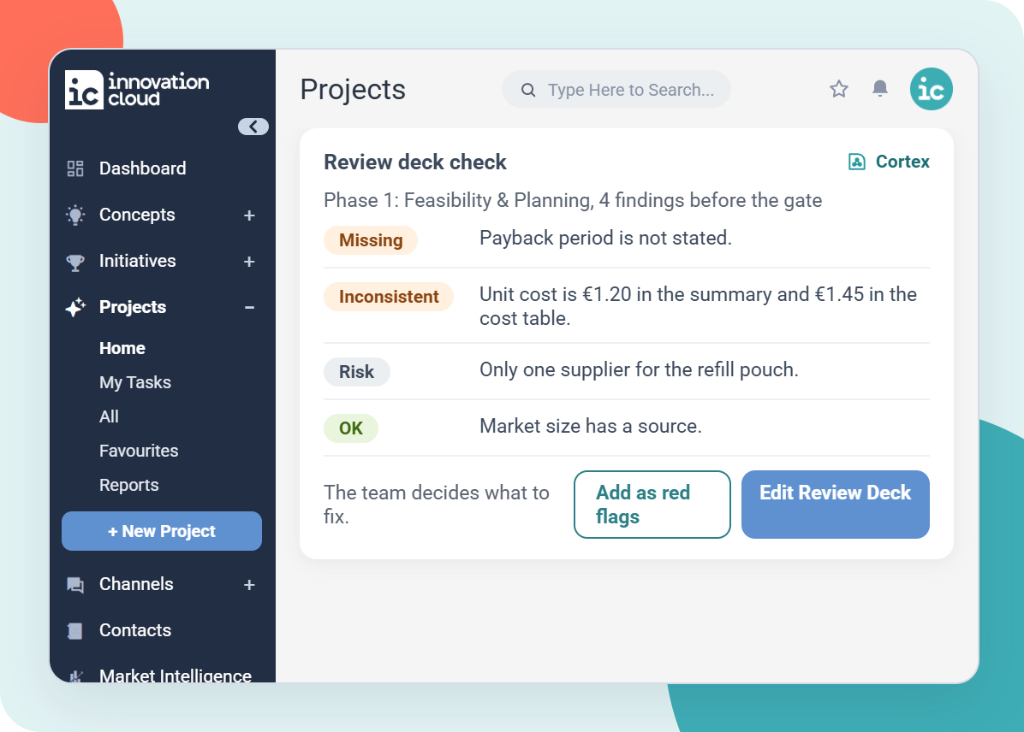
Catch weak business cases before the gate
Cortex checks each business case for missing information, inconsistencies and risks, and suggests what to fix. Problems are fixed before the gate meeting, so the meeting is about the decision.
Overlap Check
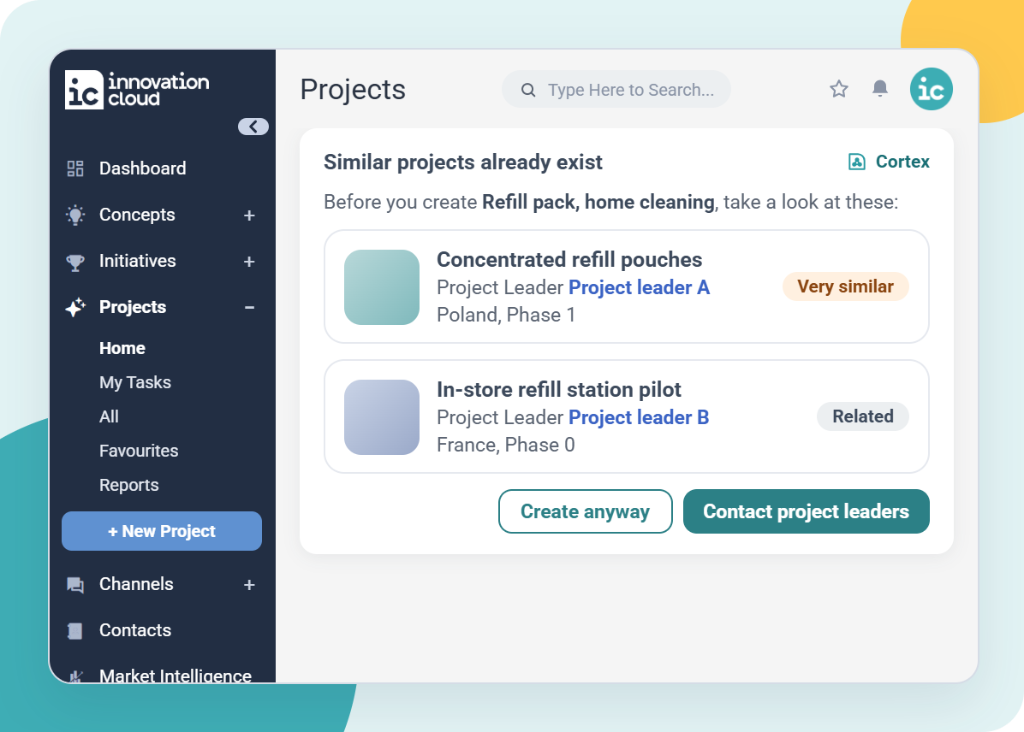
Find similar projects across markets
Cortex flags existing projects that look like the one you’re about to start, even in other markets. You avoid paying twice for the same work.
Portfolio Q&A
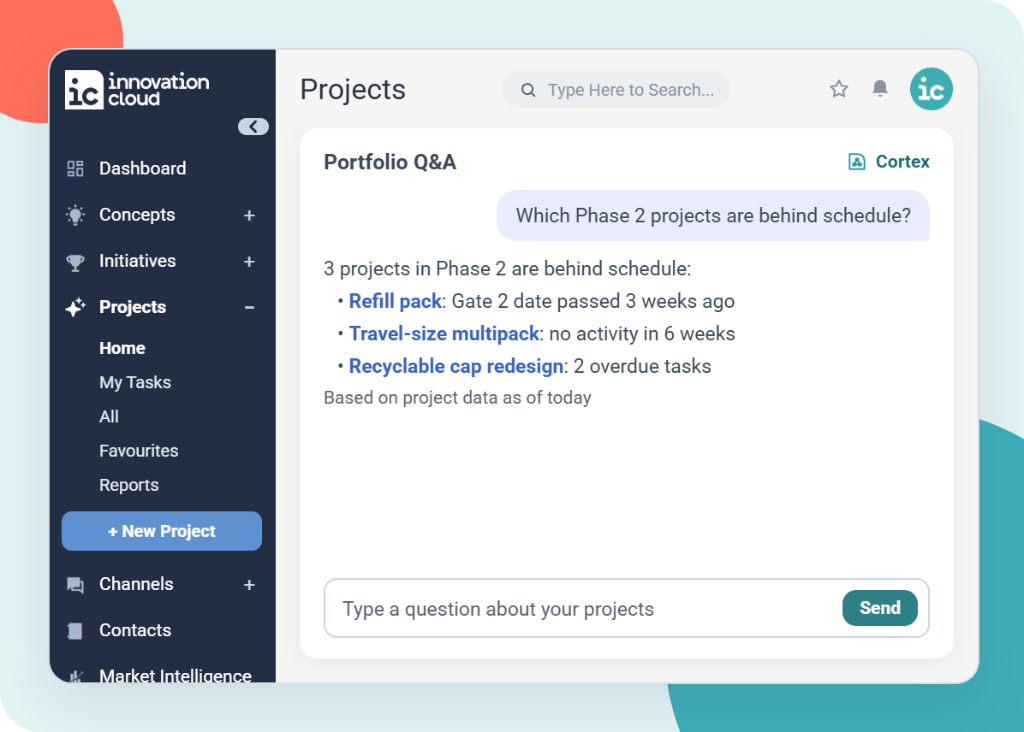
Ask about your projects in plain language
Type a question about any project or your whole portfolio, and Cortex answers from your project data. It also writes summaries, so you don’t need to build a report to see where things stand.
Pipeline Check
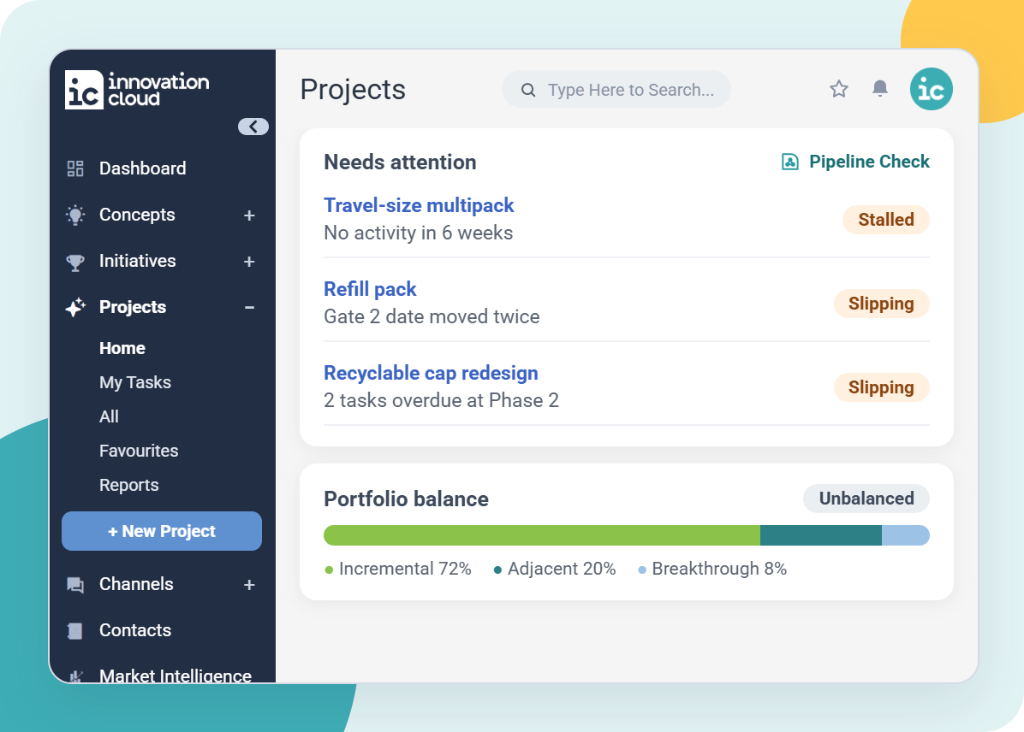
See portfolio risks early
Cortex spots stalled projects, slipping timelines and an unbalanced portfolio. Leaders see problems while there’s still time to act.
Launch Memory
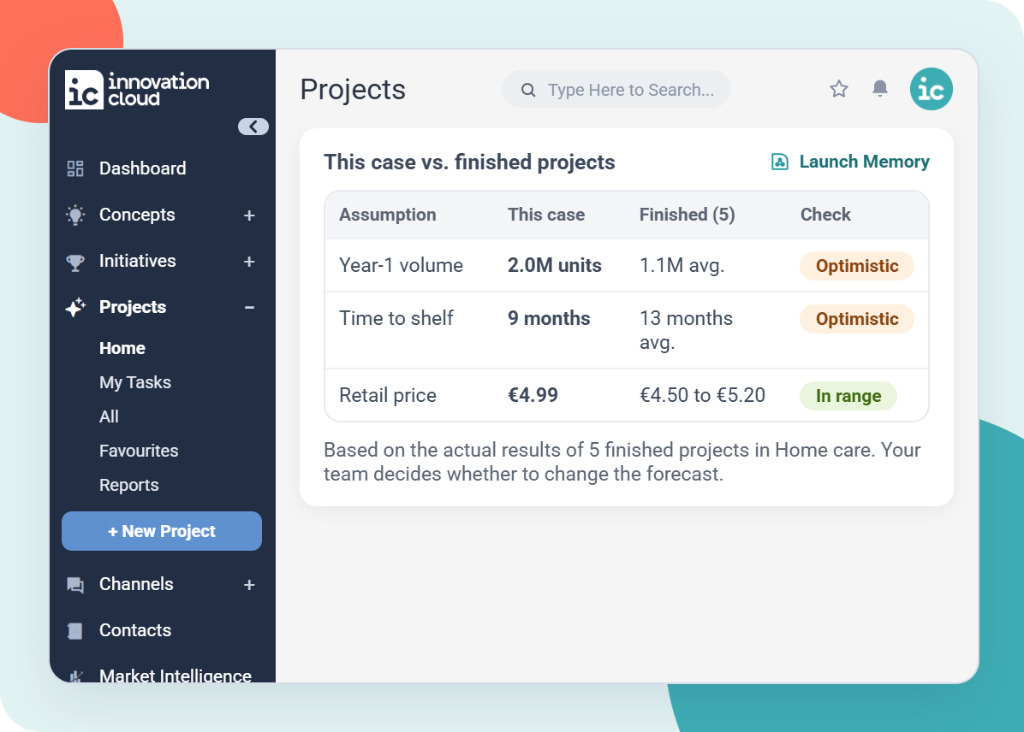
Check new business cases against past launches
Cortex compares a new business case with the results of your past launches and points out assumptions that look too optimistic. Your team then adjusts the forecast, based on what actually happened before.
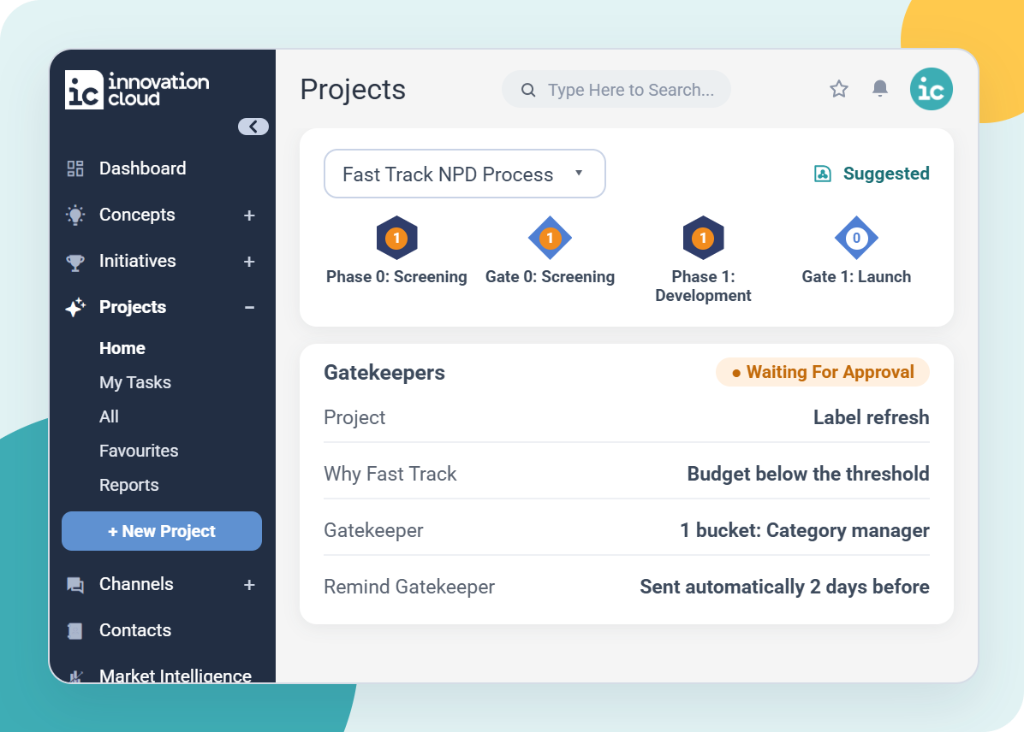
Fast Track
A lighter process for smaller projects
Smaller projects follow a shorter route, with automatic routing and reminders. They move faster without skipping the checks that matter.